Zenfolio NextZen Streamlines the Business of Photography
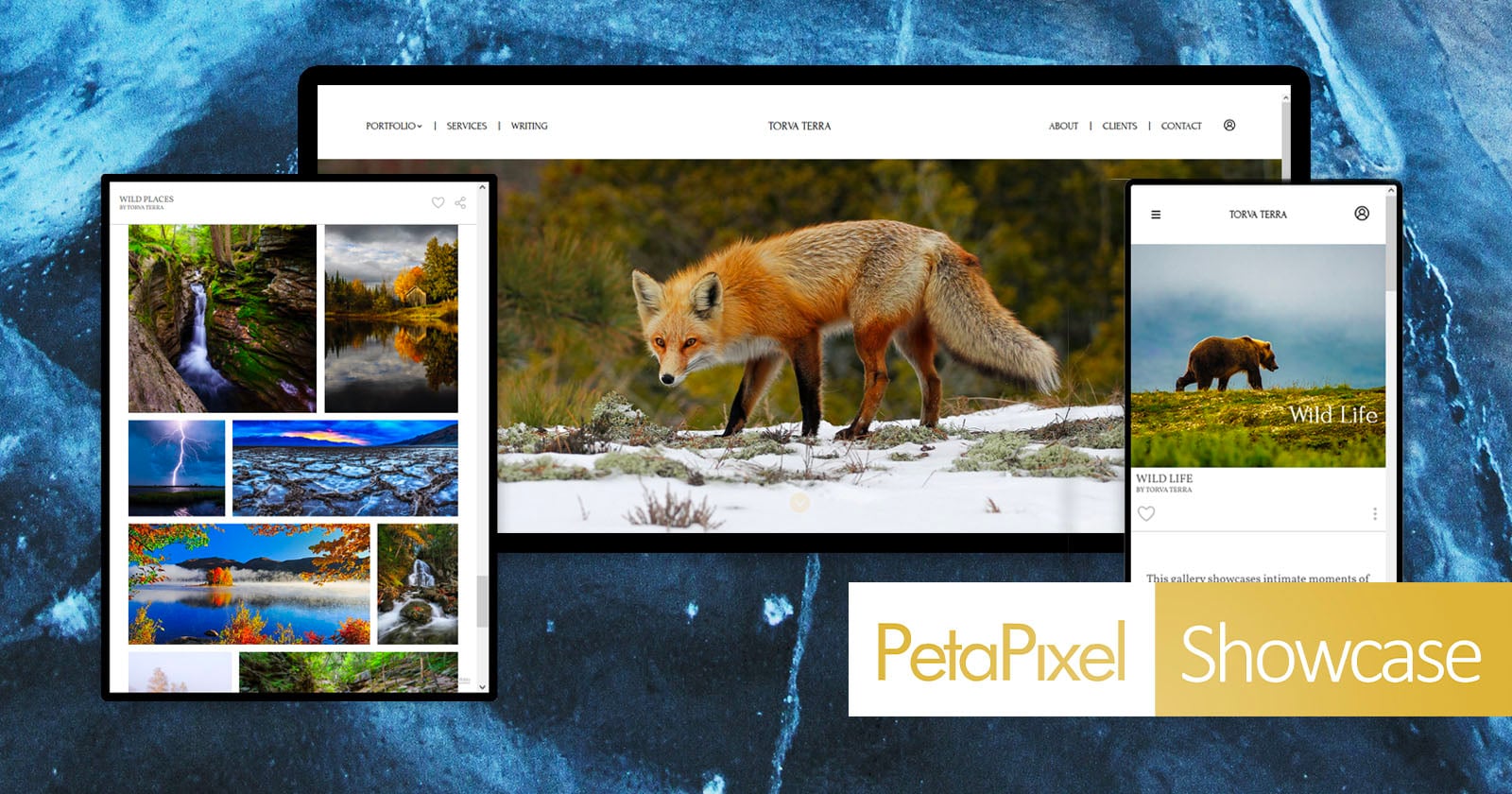
What if you could build your photography website, deliver galleries, book clients, sell prints, and manage your business without piecing together different services? That’s the idea behind Zenfolio’s NextZen, a photography-focused platform designed to bring more of the business side of photography into one place.
I put NextZen through its paces and built a website to see how well those tools work together and whether having everything under one roof actually makes running a photography business easier.
I worked through the platform from the perspective of a photographer setting up and managing a business, starting with the website builder and photography-specific templates before moving into galleries, sharing options, and sales tools. I also looked at how Zenfolio handles booking and payments, print and product sales, AI-powered gallery creation and tagging, and its tools for high-volume photography. The goal was to understand how these features fit together in a real photography workflow, rather than looking at what each feature can do on its own.
Unlike most generic website services, where you have to adapt a template to work as a photography site, NextZen is built specifically for photographers. I found it particularly appealing as a way to get a photography business online, showcase work, and set up for sales without needing to know how to code.
The first thing I noticed about Zenfolio is that the website is designed around how photographers actually use their sites. Rather than starting with a generic website builder and adding a gallery afterward, Zenfolio provides photography-specific templates and blocks for building pages around images.
That may sound like a small distinction, but it matters when photographs are the primary content. I don’t want to spend hours figuring out how to make a generic website platform behave like a photography portfolio. Zenfolio’s approach makes the image galleries feel like a natural part of the site, not something bolted on.
The bigger advantage comes after the portfolio is built. Galleries and folders can be attached directly to the website and updated as new work is added. That means a photographer can use the same platform for a public portfolio and private client delivery rather than maintaining two completely separate systems.
Access controls are also built into the galleries, including multiple password options. That gives photographers different ways to control who can see a collection while making it easier for clients to find their own images.
On the client side, Face Finder can help people find their own images, which can be especially helpful when browsing galleries for an event with lots of attendees, including wedding photos.
Client galleries are one area where Zenfolio feels more like a business platform than a simple image-delivery service.
Photographers can share individual galleries or entire folders, depending on how they organize their work. Email and SMS templates are available for sharing galleries, which could save time for photographers who repeatedly send the same types of delivery messages.
Face Finder is particularly interesting for larger galleries. Instead of asking a client to scroll through hundreds or thousands of photographs, the system can help them find images featuring their face.
When enabled, a pop-up explains how clients can utilize Face Finder:
“Welcome to Face Finder & People Filter, tools for locating and organizing faces within a gallery. When enabled, Face Finder allows clients to upload a selfie and retrieve all matching images in the gallery. People Filter scans the gallery, displays thumbnails for each unique face detected, and narrows the gallery view when a face thumbnail is selected. Enabling these features authorizes the extraction and indexing of facial recognition data solely for the purposes of search and filtering,” the prompt reads.
I can see the value immediately for wedding, event, sports, and school photographers. When a gallery contains photographs of a large number of people, the client experience can quickly become frustrating if someone has to manually search through every image to find themselves.
Zenfolio also offers a built-in AI to create galleries and tag images with keywords. Those tags can help with internal search and SEO, giving photographers another way to organize a large collection of images without manually entering every keyword.
There is also Screenshot Protection, which is designed to discourage clients from simply capturing screenshots of photographs they have not purchased. It is not a replacement for protecting original files, but it is another tool to make the gallery a safer place to sell images.
This is where Zenfolio becomes particularly interesting to me as a photographer. The gallery is not simply where I deliver the work. It can also be where the client buys it.
Zenfolio supports print and product sales through partner labs, along with digital downloads, packages, and video downloads. That means a photographer can sell multiple types of finished work without sending the client to another service.
Smart Pricing helps photographers determine what to charge by using sales and regional data to make pricing recommendations. Pricing photography products can be surprisingly difficult, especially for photographers still figuring out what their market will support, so having data to work from can be useful.
Smart Upsell increases order value by offering a product or shipping discount once a client reaches a set spending threshold. Rather than simply presenting a checkout button, the system can give clients a reason to add something else to their order.
The Product Builder takes it a step further by letting clients personalize products such as greeting cards and memory mates with their own images and text.
I also like that Zenfolio does not limit the sales experience to still photographs. Video downloads can be sold through the same system, which is increasingly relevant for photographers who also provide video coverage.
Zenfolio also connects photographers with print fulfillment partners, allowing orders from client galleries to be produced and shipped without the photographer having to manage every order manually.
Miller’s and Miller’s School & Sports provide professional lab services, including event and sports volume printing. Bay Photo Lab handles fine art, metal prints, and custom framing in the U.S., while One Vision Imaging provides fulfillment for subscribers in the UK and Europe.
Additional regional partners, including Fujifilm, Technicare, and HC Pro, can appear depending on a photographer’s account or market.
What I find appealing about this approach is that the sales process stays connected to the gallery. A client can view their photographs, decide what they want, place an order, and have it fulfilled without the photographer creating a separate workflow.
The booking tools are another part of NextZen that caught my attention because they connect something that is often completely separate from the photography workflow.
Clients can book sessions 24/7, and each session can automatically be paired with its own client gallery. In theory, that means the relationship starts with the booking and continues through delivery without the photographer having to move the client from one platform to another.
Photographers can create their own services and set the hours they actually want to work. Google Calendar synchronization and automatic email reminders help manage scheduling, while custom branding lets the booking experience use the photographer’s logo and colors.
Payments are built in as well, including Apple Pay, Google Pay, credit cards, and PayPal. Photographers can collect a deposit, require full payment, or allow payment after the session.
Mini sessions are another practical example. A photographer can set the date, duration, location, and price, then allow clients to select available slots themselves.
From a photographer’s perspective, that kind of automation matters because booking a session often creates a surprising amount of administrative work. Every email or message I don’t have to send manually is one less interruption to the creative side of the business.
Packages can also be sold during booking, giving photographers a chance to secure a larger order before the shoot even happens.
The part of Zenfolio I think will be most interesting to high-volume photographers is its dedicated volume workflow.
The Volume Wizard walks photographers through setting up a volume job and configuring galleries and settings based on how they work. That could be useful for photographers new to school, sports, or event photography who don’t necessarily know which settings to configure before a large job begins.
The QR Code Workflow is even more specialized. A photographer can upload a participant data sheet, and Zenfolio creates the corresponding folders, galleries, and QR codes.
During the shoot, each subject is photographed alongside their QR code. Once the batch is uploaded, Zenfolio can use that information to route the photographs to the appropriate galleries.
This addresses a very different problem from simply finding the best photograph. For a school or sports photographer, the challenge is often making sure thousands of photographs are correctly associated with hundreds of individual people.
I think that is one of the clearest examples of Zenfolio building around photography rather than simply adding photography features to generic business software.
PhotoRefine is Zenfolio’s AI culling tool, built to get photographers from shoot to client delivery faster. It reviews images for clarity, expression, and detail, and groups similar frames. PhotoRefine rates photos based on the photographer’s own settings and uses facial recognition to organize images by subject.
Ultimately, the final selections still belong to the photographer, but starting with a sorted, rated set instead of a full card dump could save a real chunk of time when getting a gallery to the client.
From a photographer’s perspective, I think Zenfolio’s biggest strength isn’t any single feature — it is the connection between them all.
A portrait photographer can build a website, book a session, collect payment, deliver the gallery, and sell prints from the same platform. A wedding photographer can add Face Finder, packages, print sales, and other gallery tools. A school or sports photographer can use the volume workflows to organize large numbers of subjects and automatically route photographs to the correct galleries.
That also means the right Zenfolio plan depends heavily on the type of photography business you run. A photographer who mainly needs a website and proofing galleries may find Basic sufficient. Once selling, booking, AI tools, or studio management become important, Professional becomes considerably more compelling. Advanced is aimed at photographers who need the full collection of tools and higher capacity.
What I like about the concept is that it addresses something photographers don’t always think about when choosing software. The photographs may be the product, but there is a huge amount of work surrounding those photographs.
Getting a client to book, collecting payment, delivering the images, helping them find their photographs, selling prints, and fulfilling those orders can require a collection of separate services. Zenfolio’s approach is to put those pieces together so the photographer can spend less time managing the machinery behind the business.
For me, the appeal of NextZen is less about replacing one specific tool and more about reducing the number of places a photographer needs to manage. If your photography business involves everything from booking and galleries to sales and fulfillment, connecting those pieces could mean less time moving information between services and more time focused on the photography itself.
Zenfolio offers three plans designed for different levels of photography businesses. Basic starts at $9 per month or $84 per year and covers the essentials, including a custom website, unlimited client galleries, proofing, and 24/7 support. It is a good starting point for photographers who primarily need a place to showcase and deliver their work.
At $23 per month or $228 per year, Professional adds the business tools that matter when you’re ready to sell your work and manage more of the client experience in one place. It includes e-commerce, studio management, marketing tools, AI gallery creation and tagging, and limited use of the platform’s volume photography tools.
Advanced costs $40 per month or $396 per year and opens up the full NextZen experience, including expanded storage, team support, unlimited volume tools, Product Builder, 4K video storage, booking, and AI culling. Booking and AI culling are also available as add-ons on the lower-tier plans, so photographers can add those capabilities without moving to Advanced.
With this range of tools, photographers can choose a plan based on their business stage and needs rather than paying for features they don’t need. If you’re curious to see how NextZen could fit into your own workflow, Zenfolio offers a free trial so that you can explore the platform for yourself.
Image creditsKate Garibaldi